
Uploading your files (video)
Getting started with sherloc.
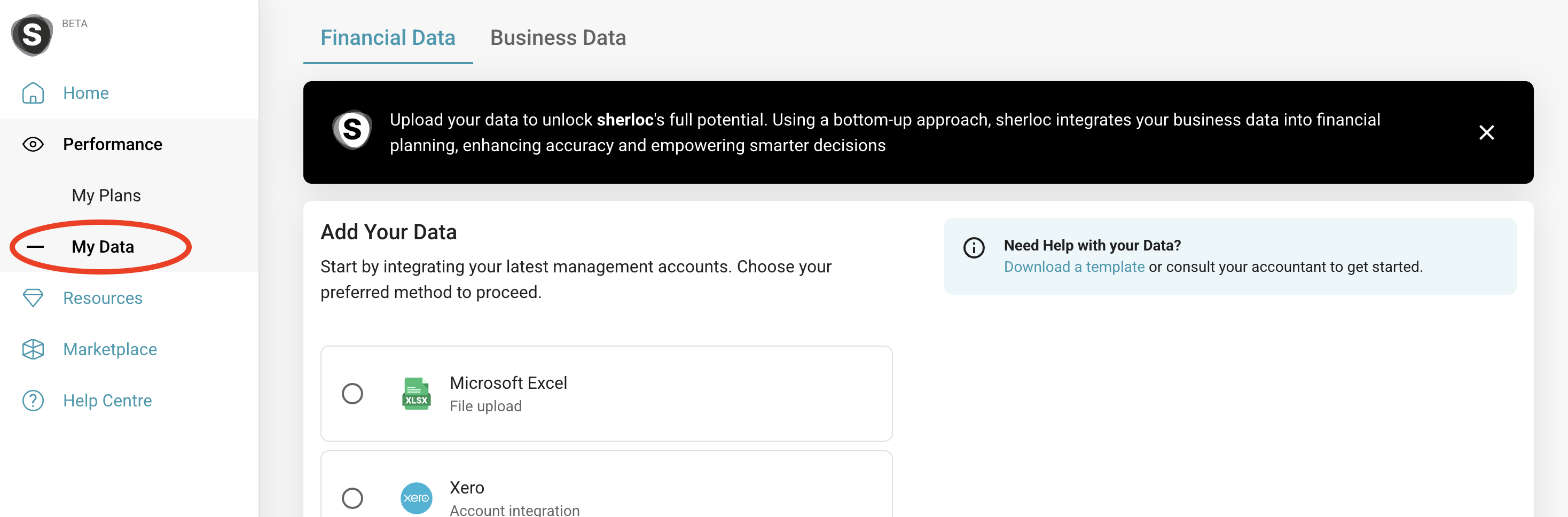
You can upload files by using the navigation on the left to select ‘Performance’ and then ‘My Data’. Select ‘Microsoft Excel’ and click in the upload box to select your file and ‘continue’.
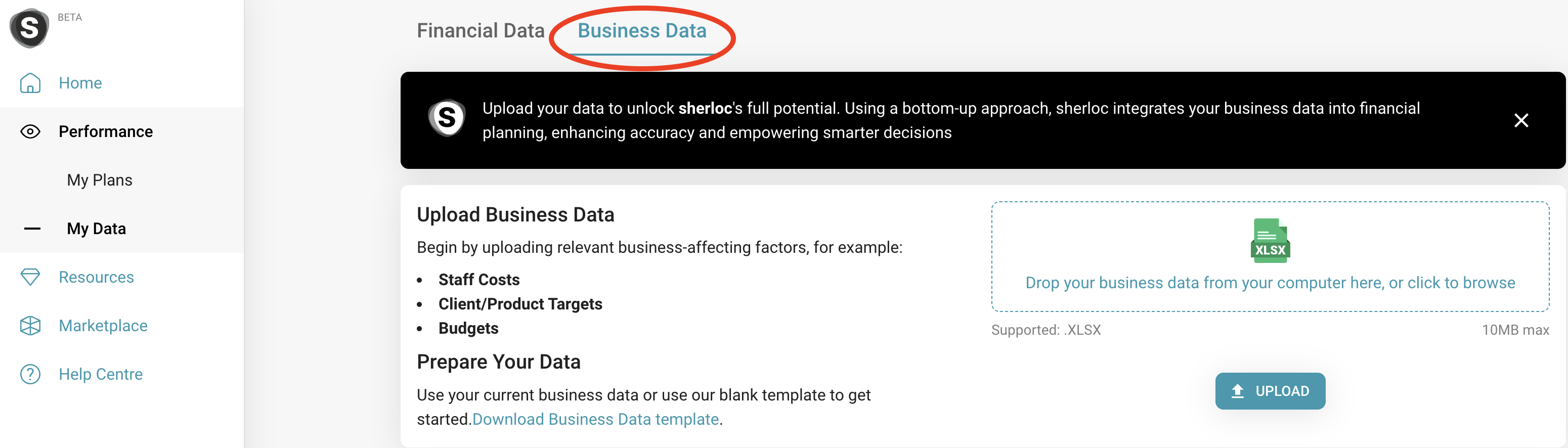
To upload your business data, select the ‘business data’ tab from the ‘My Data’ page and select your file.
Best practice: Know your numbers! sherloc is designed for you to use your numbers and data to make the best decisions for your and your business. Keep it simple- if you are including formulas and references that you do not understand, you won't be able to take full control of your data.
Now that your data is uploaded, you can create a forecast and start creating assumptions.